

6 Tips to Run an Effective Meeting
Getting a meeting invite is often the last thing you want to see pop across your monitor. Everybody is busy, and meetings are notoriously unproductive.
Effective meeting strategies enable you to move projects forward, make quality decisions, overcome obstacles and drive positive outcomes. The sad and costly reality is many meetings end with no significant developments or action items coming from them. This can cause frustration among those attending your meetings, as it begins to feel as if their valuable time isn’t being used effectively.
Consider these stats from Fellow’s Meeting Statistics in 2021: The Future of Meetings Report:
- People attend an average of 11-15 meetings per week
- Meeting attendees’ top pet peeves: status updates, followed by digressions and lack of preparation
- Meetings cost companies between $43,008-$56,448 per manager every year
Learn how to hold effective meetings that get results with these tips.
1. Ask yourself: Is a meeting necessary?
Is there another option that would be just as effective? Email, chat, a survey, etc.? You may be able to get the intended result by using another method of communication.
2. Evaluate who needs to attend
Not everyone on your team needs to be in every meeting you schedule. If an employee has expertise with a subject matter that needs to be addressed or prior experience talking to a point of contact, invite them.
When you invite participants, you can designate them as required or optional. Giving employees the option to attend is another way to make sure the meeting is effective and time is being used wisely for all parties. And if you are the recipient of an invite, ask yourself if your attendance is necessary.
Learn how to designate attendee status in this Outlook Support post.
3. Assign meeting roles
Effective meetings have designated roles for attendees to ensure discussion stays on track and is productive. Every meeting should have a facilitator, timekeeper and recorder. Assign employees these roles at least one day in advance, so they have time to prepare.
- Facilitator: This person’s role is to lead the meeting and move the conversations through the agenda. It is most often the person that called the meeting, but it can be one of the other attendees.
- Timekeeper: The timekeeper’s role is to keep everything on track so the meeting ends on time or early.
- Recorder/scribe: Have a designated note-keeper. These notes will be used to refer back to and to update the attendees and other team members that are relying on decisions or actions taken in the meeting and also for review if another meeting is scheduled.
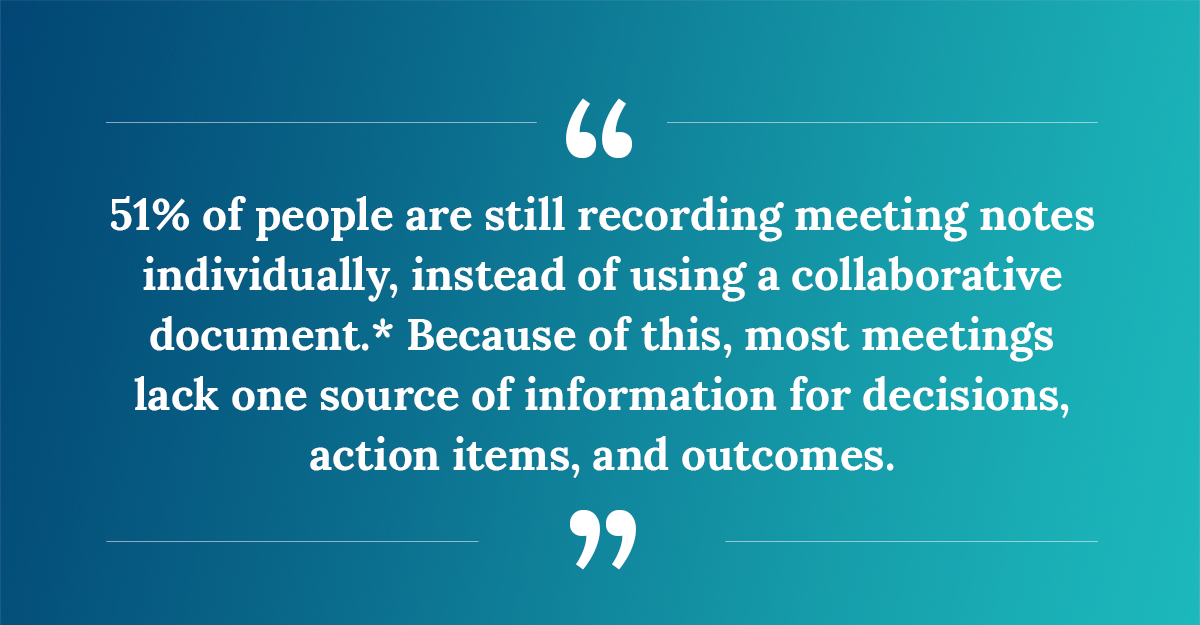
*Fellow report, “Meeting Statistics in 2021: The Future of Meetings.”
4. Craft a meeting agenda
Prepare a detailed agenda in advance—it can serve as reference for attendees to learn what will be discussed, keeps the meeting on track, and allows others to review what was discussed after the meeting ends. You will use the agenda before, during and after your meetings.
The meeting agenda should be both a checklist and summary of what needs to be accomplished and discussed during meeting time. Include:
- Where the meeting will be held (virtually or in-person)
- Who will fulfill the meeting roles
Send out an agenda at least 48 hours ahead of time. Below is an example of what a typical meeting agenda should look like:
Date: ____/____/____
Location:
Meeting Room:______________________________________________________
Go-To Meeting Link: __________________________________________________
Phone Call:__________________________________________________________
Off-site Location: Address: _____________________________________________
Call-In Details: 000-000-000 or Web Link
Facilitator: Name
Timekeeper: Name
Recorder: Name
Please Read/Review: What should the attendees have read or reviewed prior to the meeting?
Please Bring: What materials are needed for the meeting?
Roles and Responsibilities: Who is assigned each meeting role and what those responsibilities require.
Old Business: If this is a continuation of a previous meeting, what old business needs to be discussed prior to moving on to new items.
New Business: This is often the reason for scheduling the meeting. Items should be listed with the allocated amount of time for discussion.
Action Items/Next Steps: TBD (determined by meeting conversation)
Example
- Item 1 Description: 15 minutes
- Item 2 Description: 10 minutes
- Item 3 Description: 15 minutes
- Action Items/Next Steps: 20 minutes
5. Start on time and watch your meeting length
Don’t wait for stragglers—if people are late, they can fill themselves in by checking the meeting notes after the meeting. If you accommodate stragglers, you create a culture where participants know you’ll wait for them. Don’t do it. Start on time, and you’ll start to see everyone logged in and ready to go when the meeting is designated to start.
Arrive 5 minutes early to set an example for your coworkers. This is especially important if you’re the employee who scheduled the meeting or have an assigned meeting role. If you start precisely on time, you may even finish early, and everyone appreciates getting a little time back in their day.
As mentioned above, meetings can cost a company between $43,008-$56,448 per manager every year. Check out this meeting cost calculator from Harvard Business Review to see how much your meetings are costing you every year.
6. Give everyone what they need ahead of time
Provide your attendees with reading assignments and any necessary materials ahead of the meeting to accelerate discussion. For example, rather than going through an entire slide deck to disseminate information, send the deck along with the meeting invite and require participants to review it beforehand. This way, they’ve seen the information and you can answer any questions about the material during the meeting time.
What are some best practices for virtual meetings?
Best practices for virtual meetings are basically the same as in-person meetings. There are a few nuanced differences.
- Show up early to ensure all the technology is working correctly.
- Elevate your presence by turning your camera on whenever possible. Make sure you are camera-ready, have good lighting and put the camera at eye level or just above pointing down. You want to show off your good looks…not your hands. Turn on your video and ask others to do the same. Make it a standard meeting procedure.
- If your remote location is messy, consider using a virtual background.

- Mute your microphone unless you’re talking. It will eliminate background noise.
- On-line meetings make it more difficult to be heard, so speak up when you have something to contribute. You can use chat to make your points as well.
- As best you can, focus on the human connection.
- Keep your meetings interactive. You want to try to keep everyone involved and engaged. You don’t want to lose your participants to multi-tasking.
- Consider taking a break if it’s a long meeting. We all have screen fatigue.
- Use your desktop or laptop, not your phone.
- Make sure to send out your meeting notes.
Your participants will soon disappear into the ether so make sure to save some time at the end of the meeting to debrief. Talk through all the action items, make assignments and deadlines and let the participants ask questions to ensure they understand what’s required of them.
One last note about virtual meetings: use online collaboration tools to keep participants engaged and to enhance the quality of your meeting. Check out these online meeting collaboration tools.
That’s it. I have to go, I don’t want to be late for my next meeting.